December 25th, 2025
Alpha v2.3.1 - "Custom Part Geometry"
Merry Christmas, Protoboard community! We’ve been hard at work on Protoboard Alpha, and we’re excited to ship a major canvas upgrade focused on making your boards clearer and more expressive.
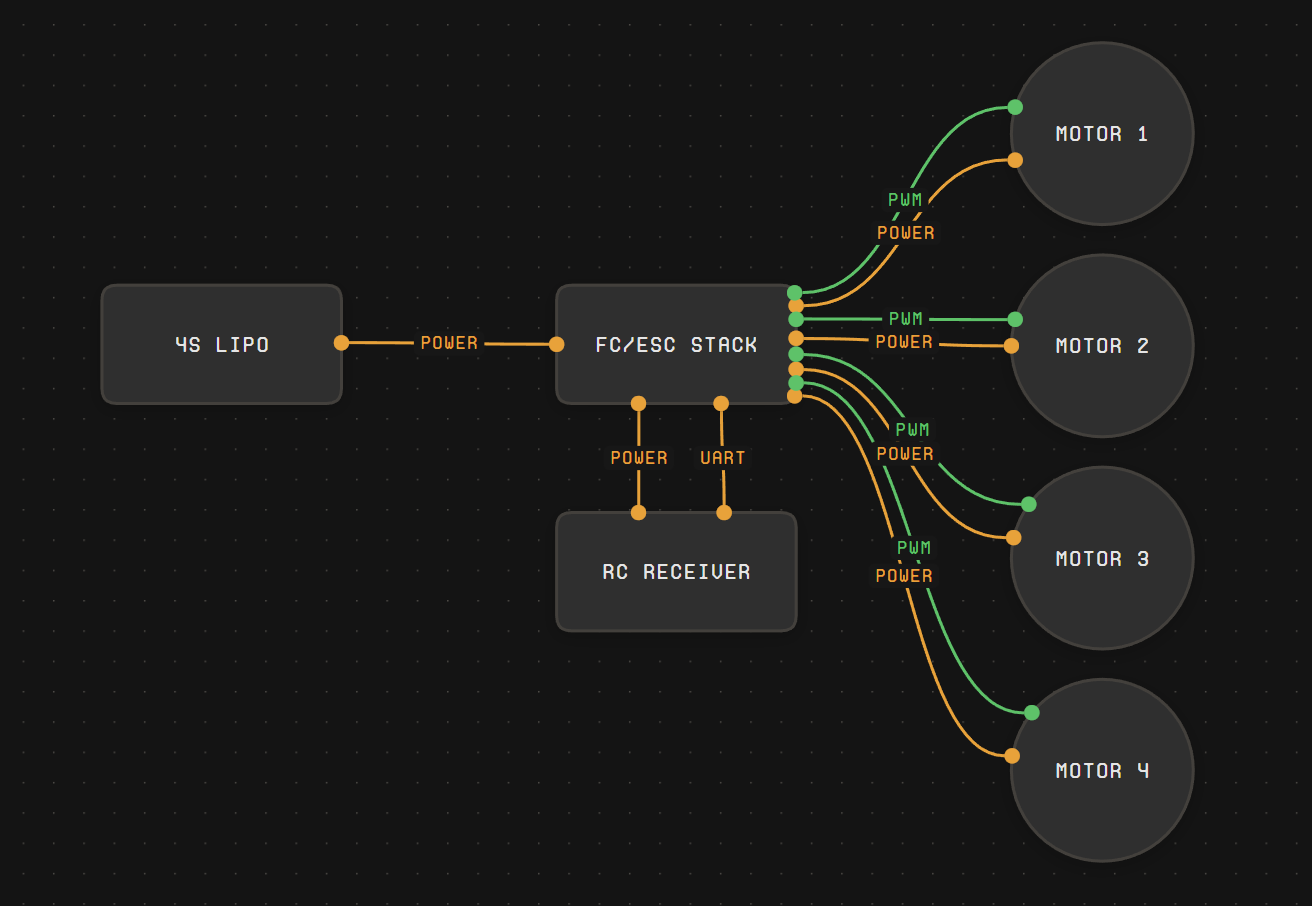
Version 2.3.1 introduces Custom Part Geometry, which means parts can finally have real outline shapes instead of all feeling like the same generic rectangle. This makes it easier to visually distinguish parts at a glance, and it makes connections behave more naturally on curved and irregular shapes.
Under the hood, this builds on ProtoPart templates: each template can define an outline using a preset (like a circle) or a custom polyline outline (your own points, optional curved “bulge” segments, and optional corner rounding). Protoboard measures that outline to size the node correctly, and uses it for interaction so handles appear where you expect—on the outline itself.
We’d love your feedback: does Custom Part Geometry make your boards easier to read and connect? What shapes should we prioritize for the library, and what authoring tools would help you most?
New Features
“Part Geometry” shapes: defaults of “rounded rectangle”, “rectangle”, and “circle”.
Custom Part Geometry (SVG Outlines): Parts can render using true outline shapes (presets or custom polylines), including curved bulge segments and optional corner rounding—so parts can look more like what they represent.
Outline-Aware Handles: Hover and drag handles now project to the nearest point on the part’s outline (not just the bounding box), which makes connecting to circles/curves/irregular shapes feel far more natural.
Bug Fixes
Fixed a bug where certain UI views would display “Untitled” for part names instead of their actual name.