February 11th, 2026
Alpha
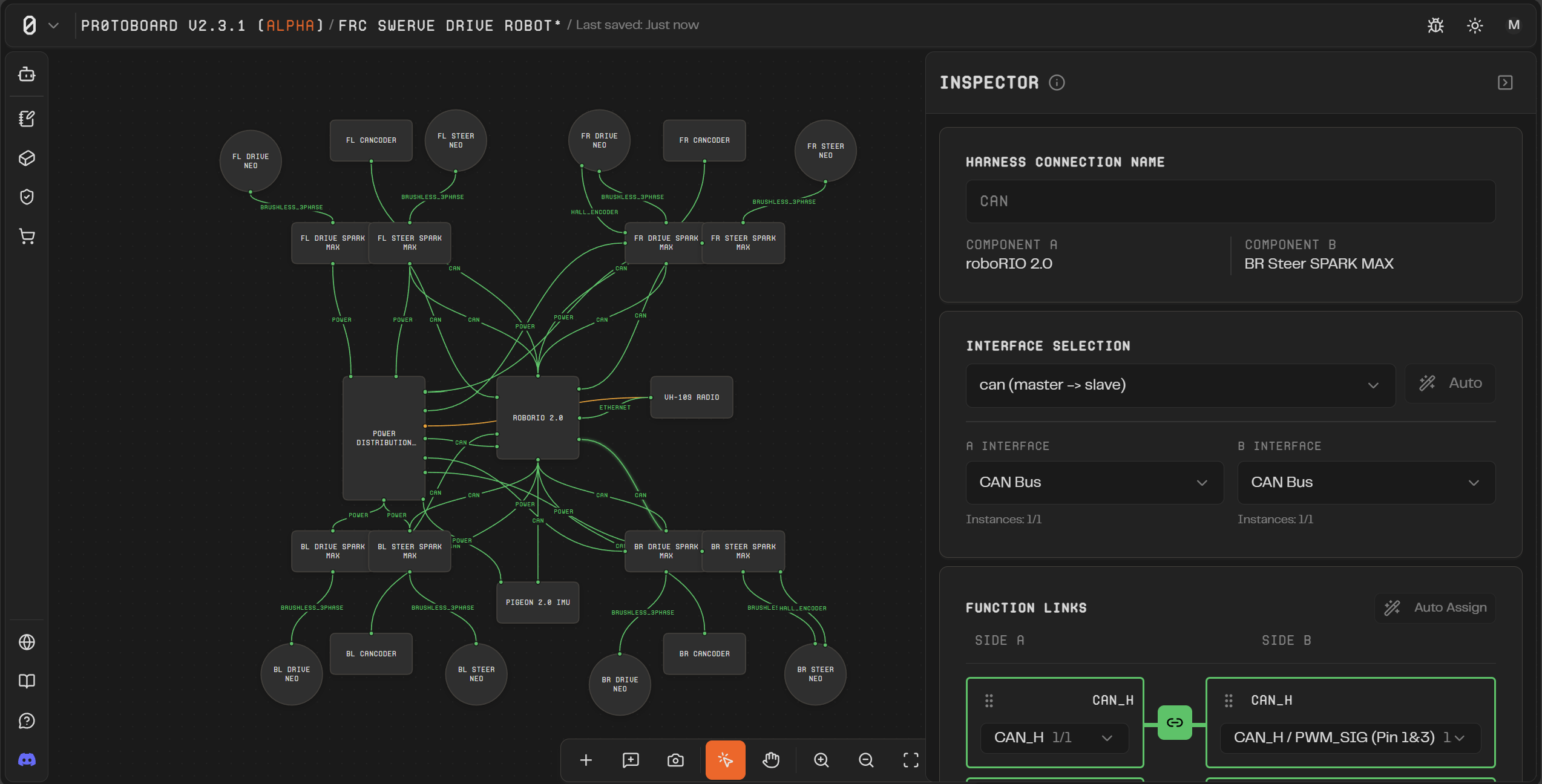
Alpha v3.0 - User Profile + Undo/Redo
Hey Protoboard community! We're excited to announce Alpha v3.0, our biggest update yet. This release focuses on giving you more control over your workflow with full undo/redo support, a comprehensive user profile system, and a refreshed look across the entire application.
If you are seeing this email and have not received an alpha activation code, this should be sent to you shortly. Thank you for your patience while we have been building this app!
Version 3.0 introduces a UI overhaul with a much more refined visual style throughout Protoboard. The interface has been polished with improved spacing, cleaner typography, updated color treatments, and more consistent component styling—making the app feel more professional and easier to navigate.
We've also built a complete Undo/Redo system on a command pattern architecture. Every action you take on the canvas—adding parts, creating connections, configuring interfaces, moving components—can now be reversed with Ctrl+Z and restored with Ctrl+Shift+Z. This means you can experiment freely without fear of losing work.
Finally, the new User Profile system lets you manage your account, customize notification preferences, and track your usage—all from a unified settings dialog. In the upcoming ProtoBot update, you will also be able to upgrade your plan or add credits.
New Features
UI Overhaul: Refreshed visual design across the entire application with improved spacing, refined typography, updated colors, and more consistent component styling for a cleaner, more professional experience.
Undo/Redo System: Full history management for all board operations including part placement, movement, deletion, interface creation, function links, harness allocations, and property changes. Use Ctrl+Z to undo and Ctrl+Shift+Z to redo.
User Profile Settings: New settings dialog with profile management, avatar upload with crop tool, company information, and social links.
Notification Preferences: Control which emails you receive from Protoboard, with easy unsubscribe options.
Security Settings: Manage your account security including password changes and account deletion.
Plan & Usage Tracking: View your current plan, see dollar-based AI usage in real-time (Cursor-style), and manage your subscription.
Editable BOM Fields: Override BOM fields with custom pricing and supplier links. Add multiple purchasing sources per part, and create your own source records directly from the BOM table.
Improved BOM PDF Export: Completely redesigned PDF export using ReactPDF that mirrors the in-app BOM UI with better formatting and professional styling.
Welcome Emails: New users now receive a welcome email when they create their account.
Bug Fixes
Fixed multi-node drag creating duplicate undo entries
Fixed handle cleanup on part/harness deletion and edge re-rendering
Fixed interface link restoration on undo operations
Fixed no-op commands causing false corruption detection
Fixed activation code not setting admin timestamps correctly
Fixed profile avatar not resetting on sign-out
Fixed Google sign-in to use entered email as login hint
Fixed password reset flow to actually send the email
Fixed activation code race condition in validateCohort
Fixed capacity calculation when interface definitions are missing
Upcoming Features
ProtoBot AI Assistant: We're putting the finishing touches on ProtoBot, an AI-powered assistant that will help you design boards faster. ProtoBot will be able to:
Search the part library and add parts to your board
Configure connections between parts
Find and add BOM pricing from the web
View compatibility and capacity status of your connections
Help you plan your board architecture through conversation
Here is a sneak peek → YouTube - AI can now Build your Hardware Projects!
ProtoBot is currently in review and will be available in Alpha v3.1. Stay tuned!