December 1st, 2025
Protoboard Alpha v2.3.0 - Custom Parts
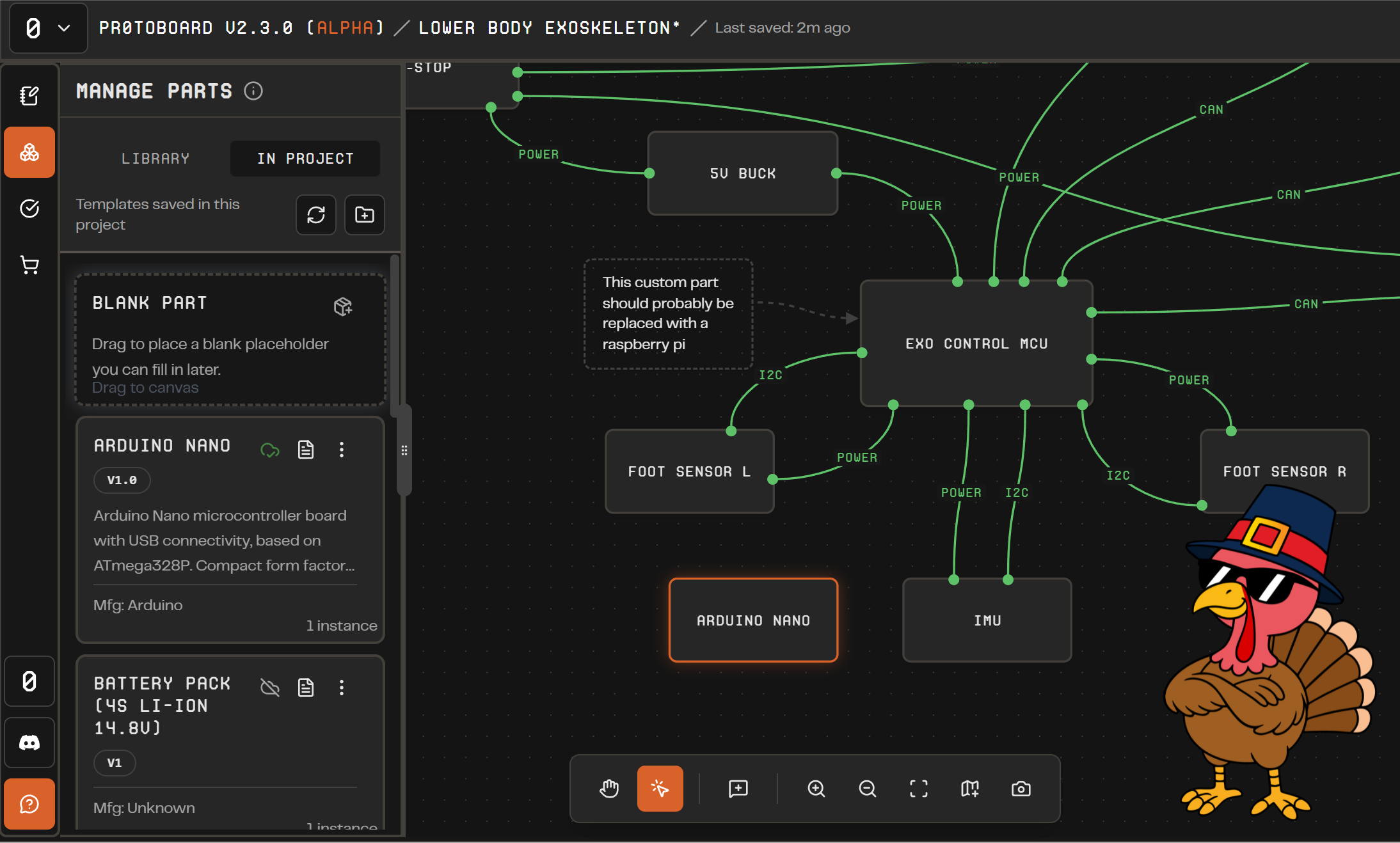
Hello Protoboard community! We hope you had a happy Thanksgiving (if you believe in turkeys that is)! Here in Texas, we ate some juicy turkey, stuffing, sliced ham, green bean casserole, rolls, and many other tasty dishes and desserts.
Other than stuffing ourselves with family recipes, we have been super busy serving up the latest version of Protoboard Alpha, and we are excited to announce that version 2.3 introduces many quality-of-life updates that should make building hardware systems inside Protoboard much easier for the developer-minded user.
We have a growing library of components and many of you requested the ability to add custom parts yourself. Under the hood, Protoboard uses a custom language for parts called “ProtoPart” that we are making more transparent and editable inside the app. We have some documentation on our Github: https://github.com/Delta-Robotics-Inc/ProtoPart and will release better information about how to write new parts in your projects and even request to add them to the community library for everyone to use!
If you are not so inclined to write ProtoParts, we also added some simple features for controlling the names of parts and their connections so that you can model parts and interfaces that we don’t support quite yet.
We need your feedback on Protoboard in its current state. How does it help you plan out your next hardware project? Do you need more parts, enhanced visuals, a more powerful validation engine, or what else would help make Protoboard a perfect hardware planning companion? Tell us on discord or here on FeatureBase!
New Features
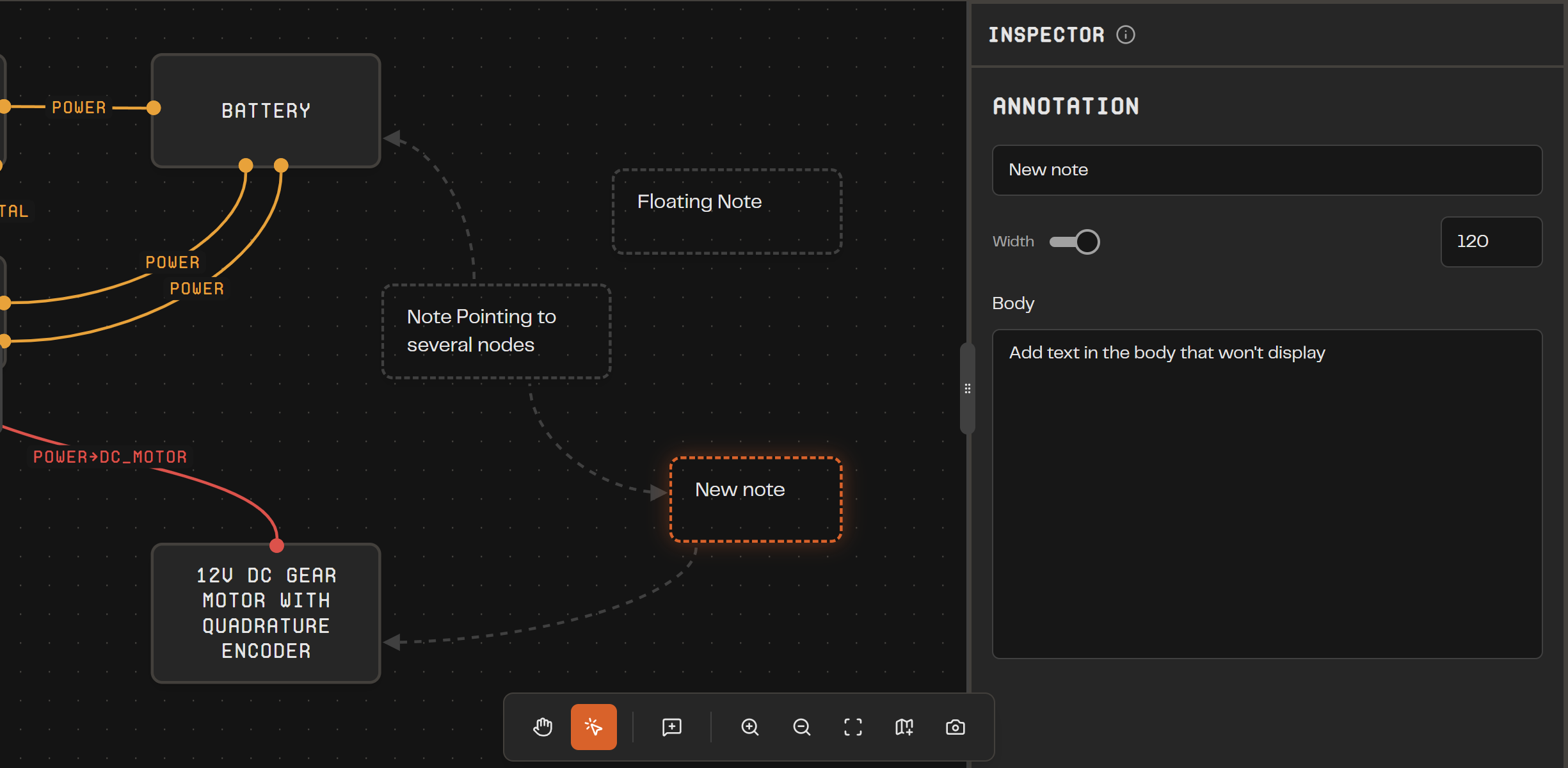
Annotations & Notes: Add sticky comments with leaders on the canvas, link notes to parts, and edit them in the new Annotation Inspector.
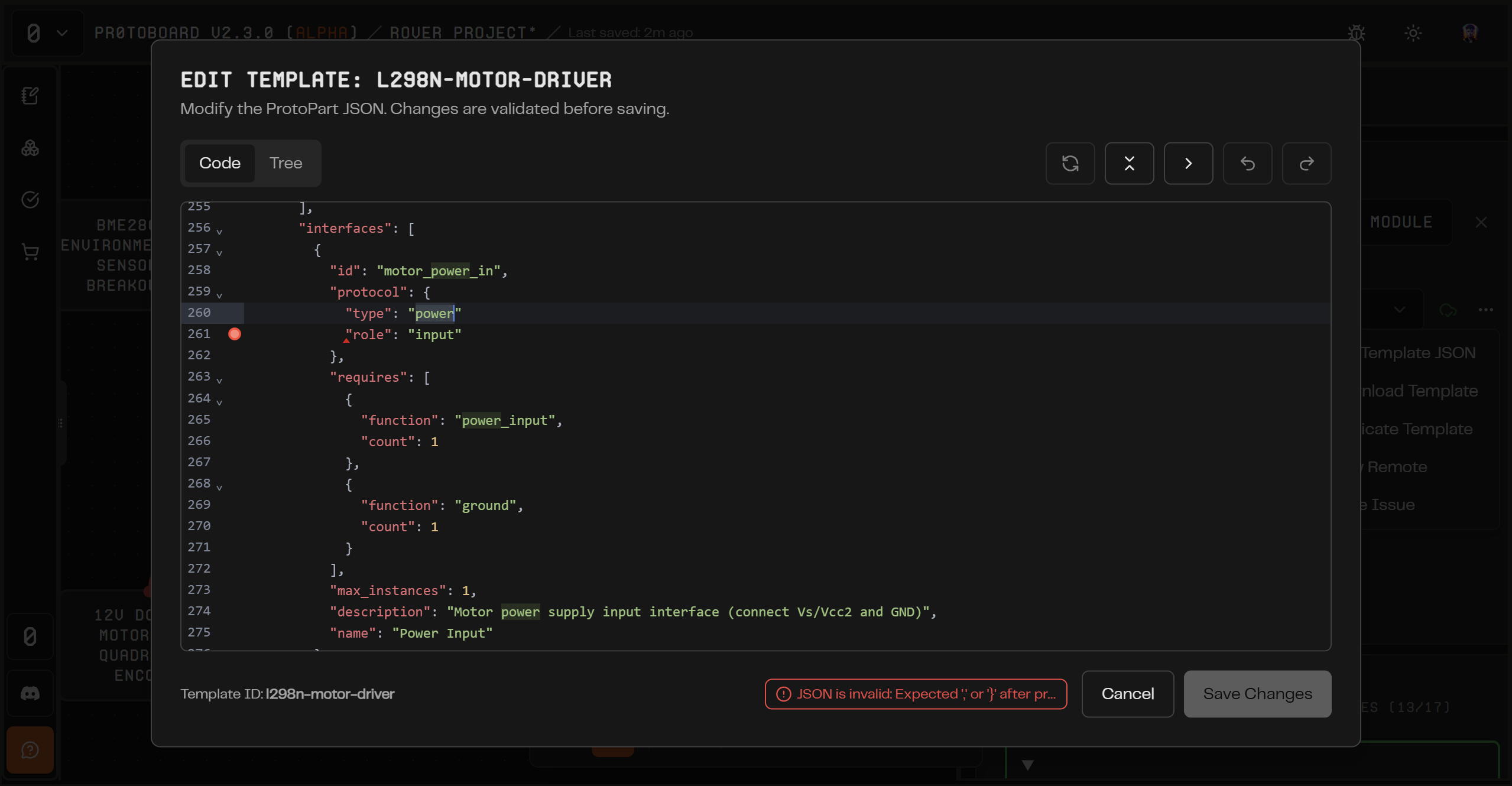
Template Library & Code Viewer: Browse both "Library" and "In Project" templates, open any part's ProtoPart JSON source, and pull official updates or work locally. Linked vs. local status is always shown.
Custom Parts via ProtoPart JSON: Create your own parts in-app using the ProtoPart schema (https://github.com/Delta-Robotics-Inc/ProtoPart), import/export as JSON, and preview templates before placing them.
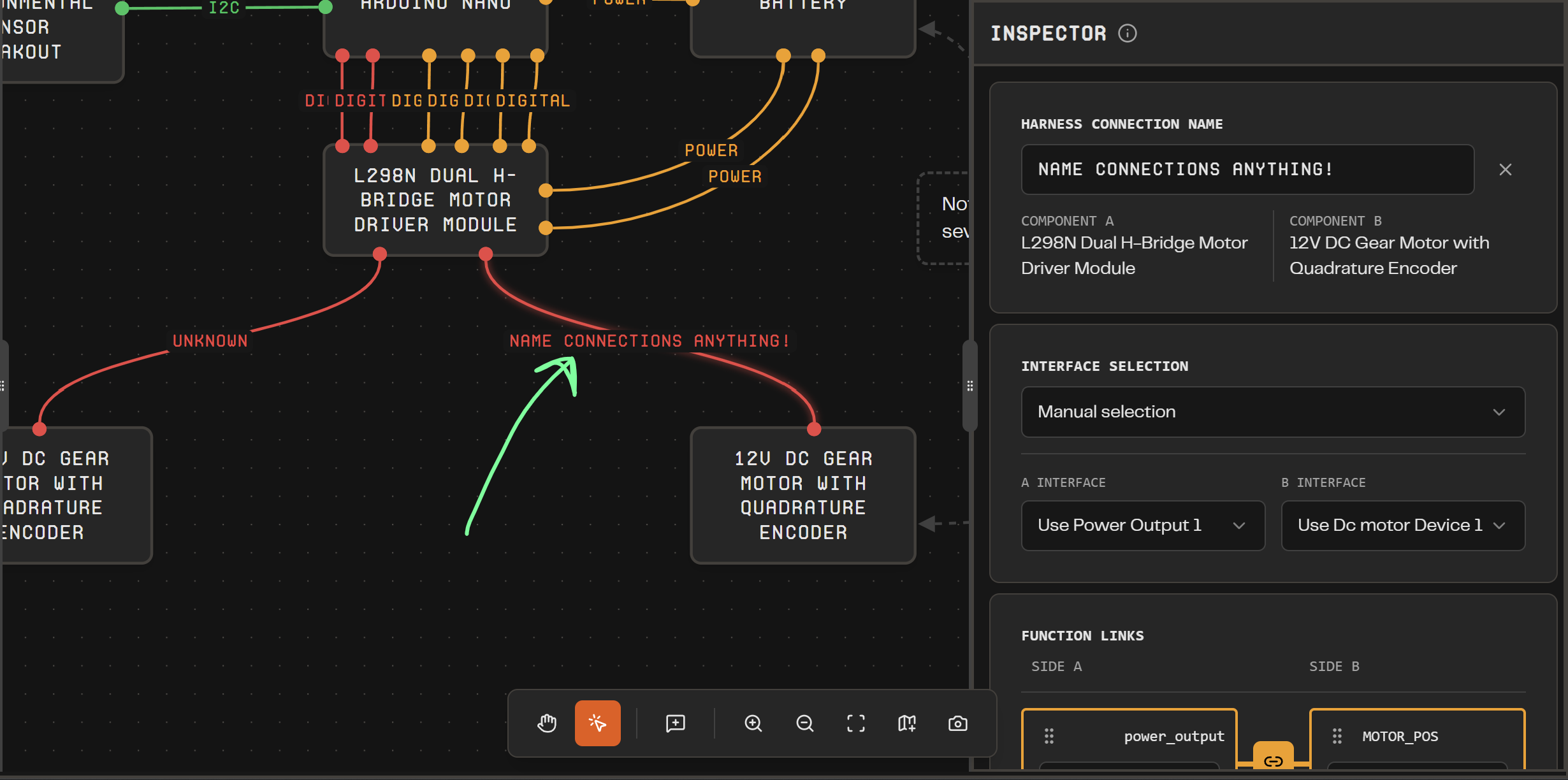
Smarter Harnesses: Name harnesses yourself or let Protoboard auto-name from the interface; harness edges now show friendly display names.
Swapping Templates: You can change the template type for parts on your board with a simple dropdown, and we have a nice UI flow that helps you migrate the part’s existing interfaces to the new template.
Faster Part Setup: "Add blank" and "Request part" live in the library list and loading states for parts make placements clearer.
Improvements
Canvas polish with annotation and note-edge types, better zoom defaults, and refreshed orange theming.
Refined template cards and action menus with status badges, version info, and variant/details at a glance.
Project flows now support pasting JSON directly to open a project; header and shell remember layout choices and show selection context.
Pulling official templates is faster with reduced authentication friction.
Bug Fixes
"Add Your First Part" no longer blocks part placement.
Next Steps
We will focus on documenting how to build systems with Protoboard, as the app now supports both basic and complicated workflows and we need help deciding on the future direction of Protoboard!
Coming soon: Custom part shapes (make the motor look like a motor), undo/redo/copy-paste, and manual price/source fields for BOMs.
Further Out: Protoboard is getting closer to being ready for an AI agentic integration to handle writing custom components for you, processing datasheets, and helping evaluate your project using our compatibility system and internet tools. We really believe that AI when combined with a powerful systems engineering engine like Protoboard will be the ultimate hardware design companion for beginners and professionals alike!